

Check these first
- The workspace is a Git repo and has uncommitted changes
- Settings → General → Behavior → AI-generated commit messages is on
- Settings → Commit AI already has a working provider and model
Generate one commit message
1
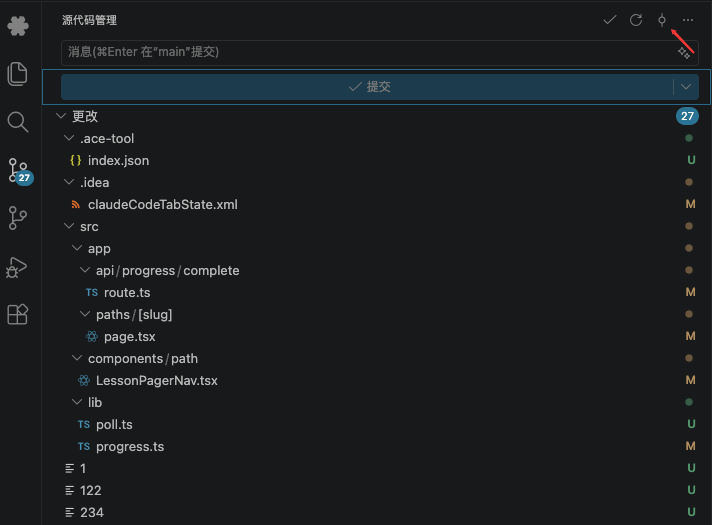
Open Source Control
Confirm the change list has files. With no diff, the command reports
No changes found.2
Click the generate button
Click the CC GUI generate button in the Source Control title bar, or run CC GUI: Generate Commit Message with Claude from the Command Palette.
3
Wait for it to write back
VS Code shows progress. While it generates, some text may stream into the commit input first.
Configure Commit AI
Open Settings → Commit AI:- Choose a provider and model (Claude Code or Codex)
- Edit the global prompt
- Override the prompt per workspace
- Turn on the related code-review option if you need it
Commit AI sends the diff to the selected model. Very large diffs are truncated. For a sensitive repo, review the prompt and provider first.