

# and !.
Agents
Open Settings → Agents. You can:- Create an agent: name + prompt (role, tone, workflow, tool preferences)
- Edit or delete
- Import / export JSON
- Type
#in the input box to select one
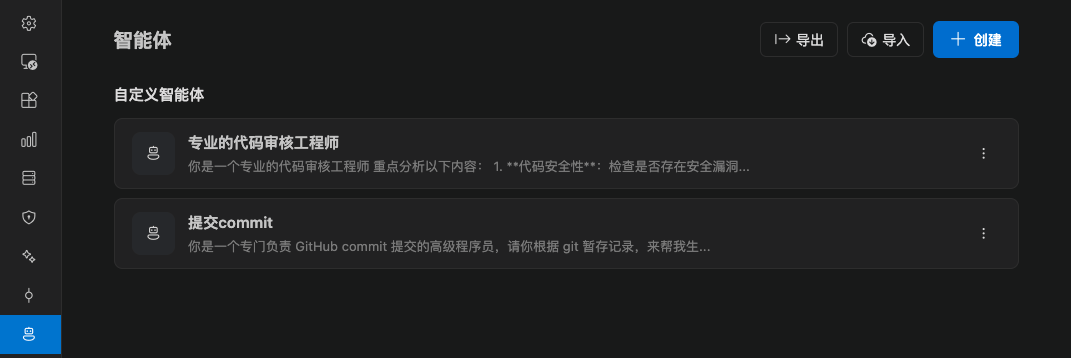
Import conflicts
When an imported agent already exists, pick a strategy:
Preview how many items will be created, updated, or conflicted before you import.
Switch in a chat
Type# to open completions. After you pick one, the current session uses that agent. You can clear the selection to return to the default behavior.
If no agent is available, the completion says No agents available.
Prompt library
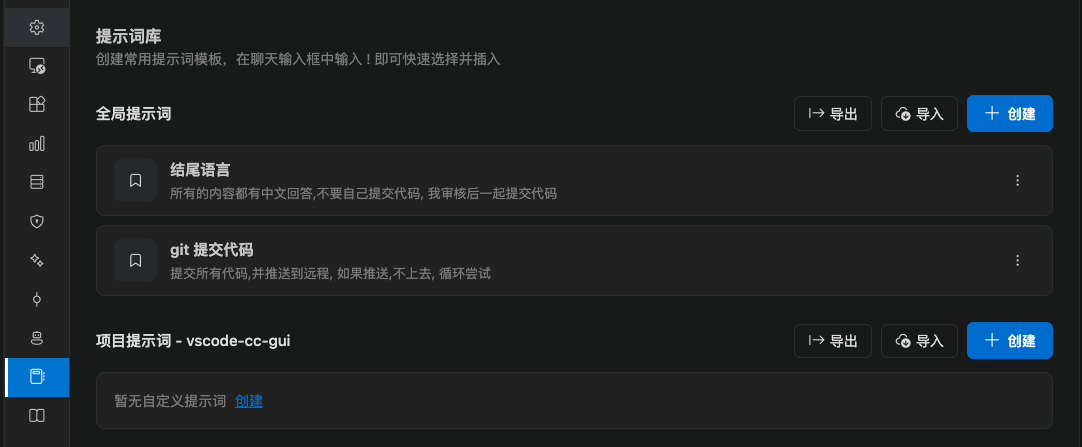
Open Settings → Prompt library. Prompts are reusable templates. They work well for:- Code review checklists
- Commit message outlines
- A fixed opener such as “give a plan first, then change the code”
! in the input box to insert it. Insertion is text. You can still edit it before you send.
How this differs from prompt enhancer
See Prompt enhancer.