

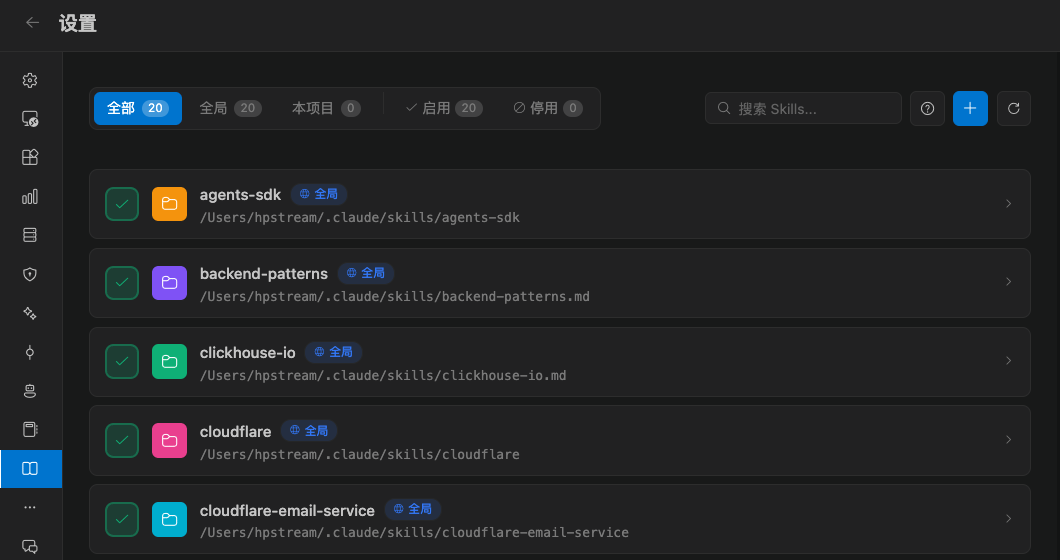
Where skills come from
The list is grouped by scope:
Use the top filter to show all, enabled only, or disabled only. You can also search by name.
Import a skill
Click import and choose a target scope:- Import as a global / user skill
- Import as a project / repo skill
Skill packs should come from a source you trust. Read the description and the commands it will run before you import.
Enable and disable
Each skill has its own switch. After you disable it, the model no longer loads it, but the files stay so you can turn it back on. Delete removes the skill from that scope and cannot be undone. Global and project deletes use different confirmation copy. Read it before you confirm.How this differs from Agents and prompts
You can use all three together: an Agent for the role, a Skill for the workflow, and a prompt for this turn’s context. See Agents and the prompt library.