

Start a new session
Use any of these:- Click New session at the top of the chat
- Click + in the view title bar
- Run CC GUI: New Chat Tab
- Send
/clear,/new, or/resetin the input box
Editor tabs
CC GUI: New Chat Tab stacks a new tab in the current editor group. It does not split left and right. Each tab is an independent session with its own messages, provider, and mode. Run CC GUI: Rename Active Chat Tab to change the current tab title.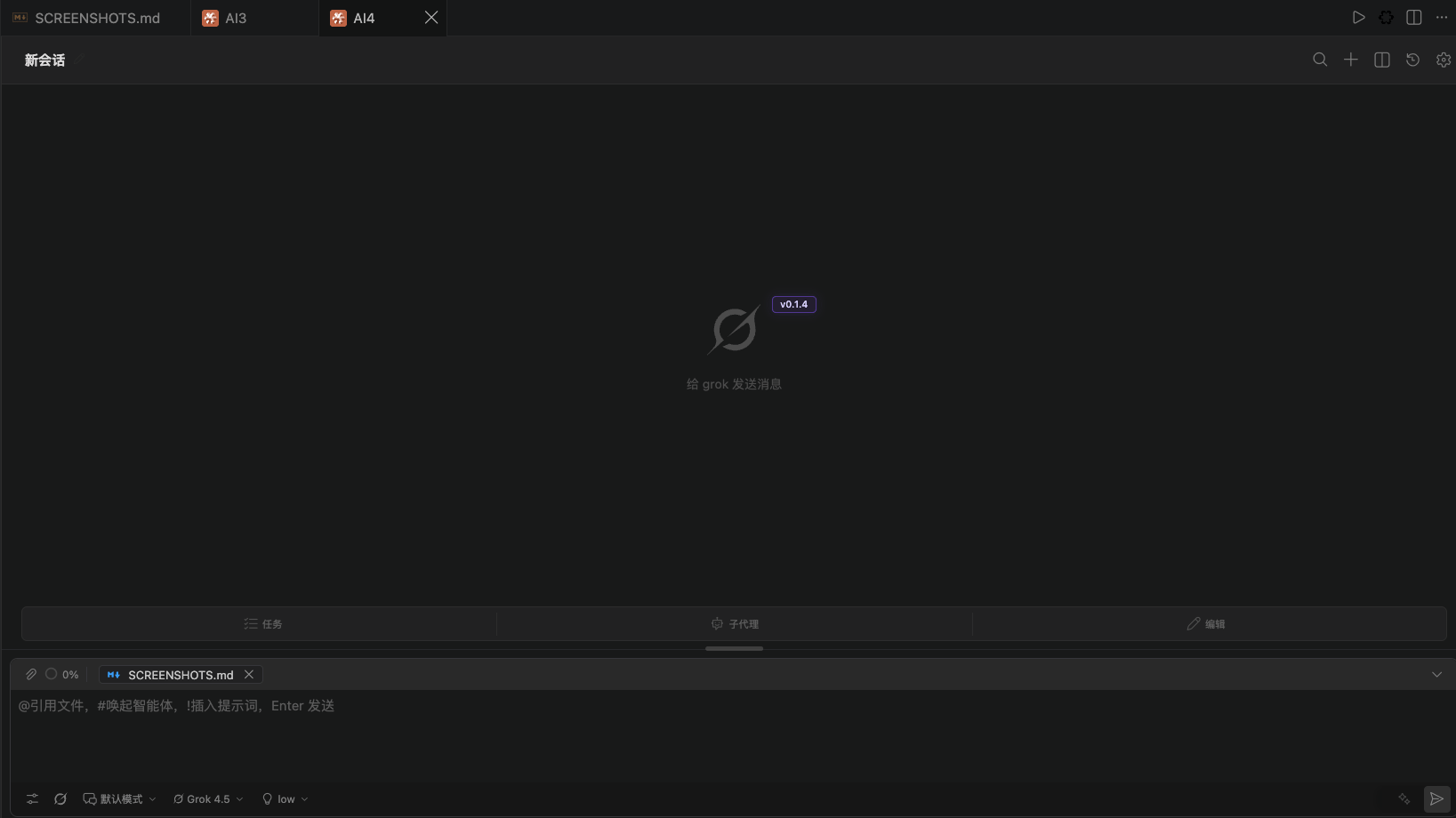
History
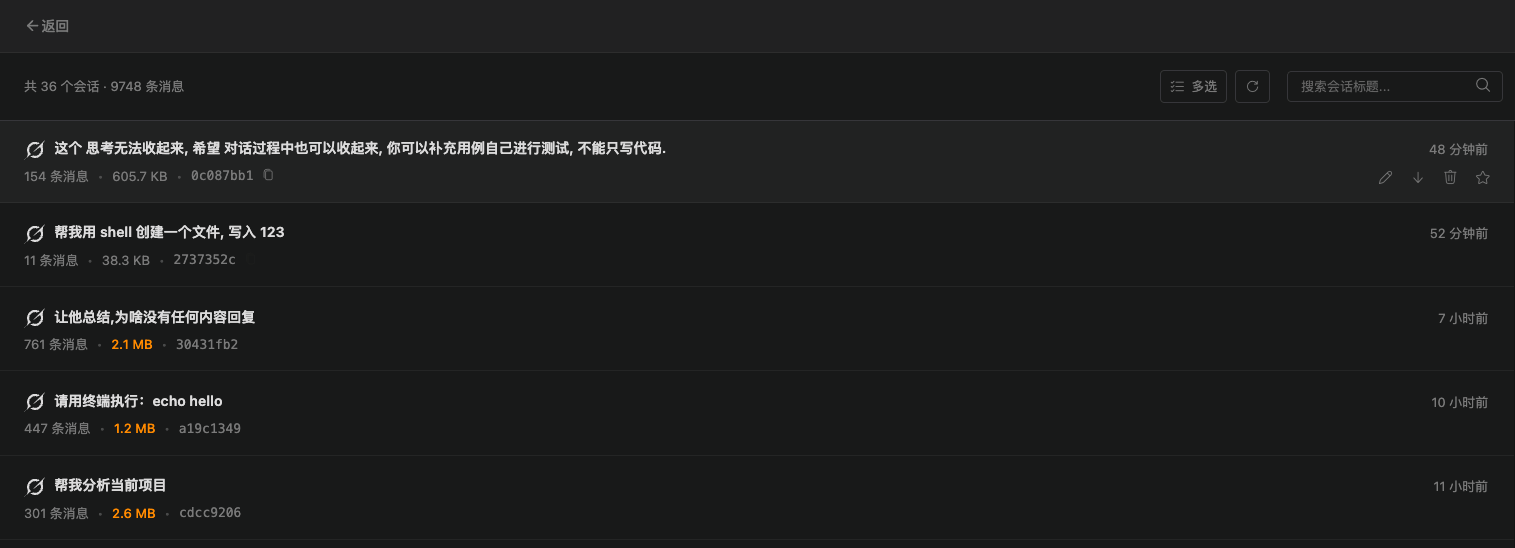
Click History at the top to open the History view. You can:- Search by title, or run a deep search
- Star / unstar
- Rename inline
- Export to a file
- Delete one item or delete in bulk
- Copy a session ID when you report a problem
Auto titles
If you turn on Settings → Other → Auto-generate session titles, a new session gets a short Haiku title when the first reply finishes. If you turn it off, the first message stays as the title. Grok sessions keep your original wording first, so an English auto title does not overwrite it.Session templates
The Command Palette has two template commands:
Use this for kickoff prompts, review checklists, or release checklists you reuse. A template stores session setup, not the full chat transcript.
Roll back to a message
When a long chat goes off track, roll back from an assistant message:- Click the rollback control on that message
- Review the messages and files that will be affected
- Confirm whether to restore files at the same time
History differences by runtime
If an old message still flashes in a new session, upgrade to 0.1.3 or later. That version fixed leftovers from delayed writes.