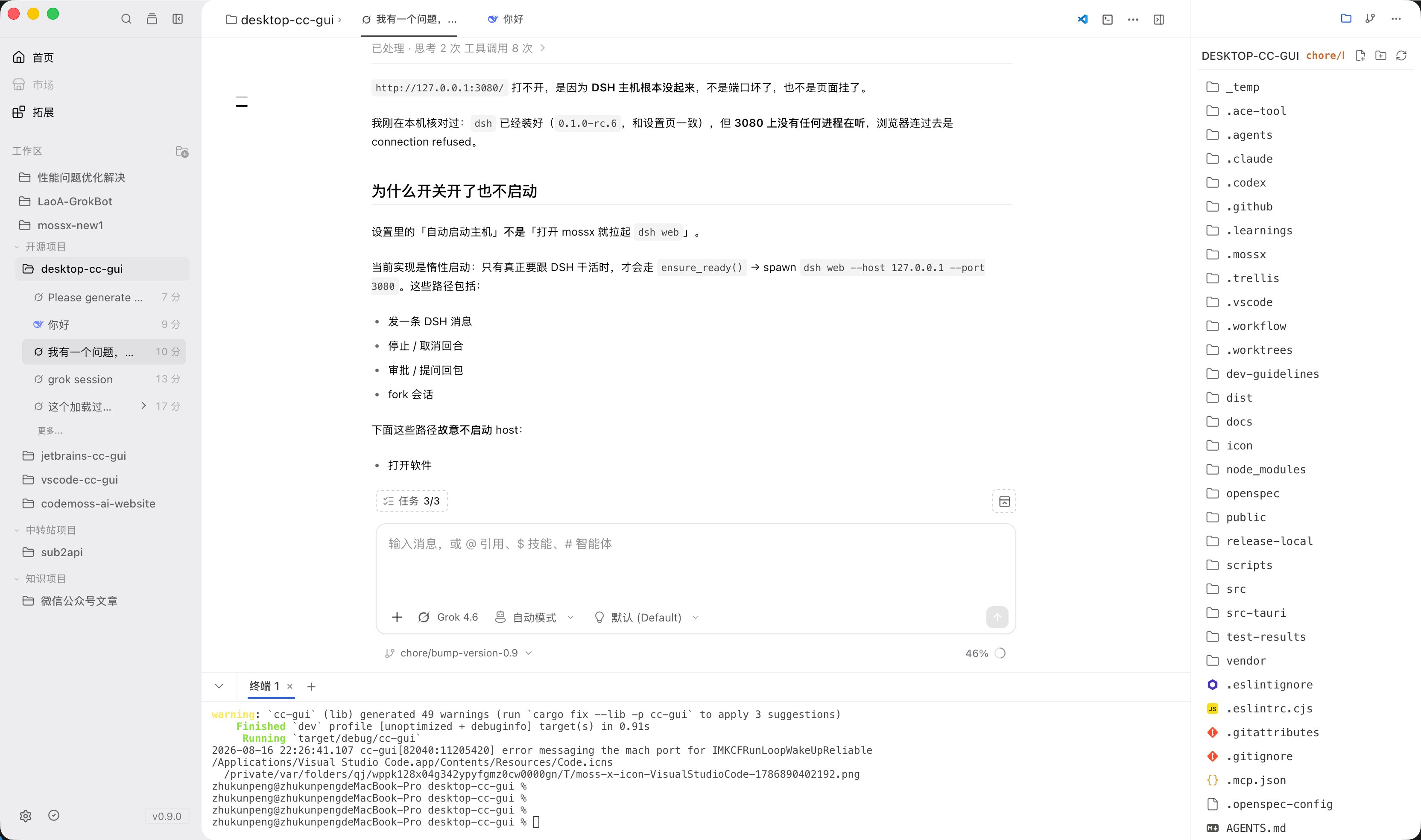
Workspace
- Add / switch projects on Home
- Show branch and worktree info
- Sessions, memory, and Git status bind to the current workspace
File tree
Browse, preview, copy, paste, rename, and drag files straight into chat.
Git panel
- Review changes and diffs
- Stage / commit
- Generate a commit message with AI
- Branch and commit history
- Worktree actions

Built-in terminal
A full terminal, so you do not switch to an external window. Use it to run commands while you watch AI output.
Global search
One search box covers:- Files
- Sessions
- History messages
- Skills
- Commands

Plan panel
List the AI execution plan by step so you can see how far it has gone.
Browser Agent
You can open policy-allowed HTTP(S) pages and collect bounded read-only context. Snapshot / navigation may degrade by platform. Element / form actions are not supported yet.