

com.zhukunpenglinyutong.ccgui. It is built with Tauri 2 + React + Rust and supports macOS / Windows / Linux.
CC GUI is an independent open-source project. It is not affiliated with, endorsed by, or sponsored by Anthropic, OpenAI, Google, or other third-party tool vendors.
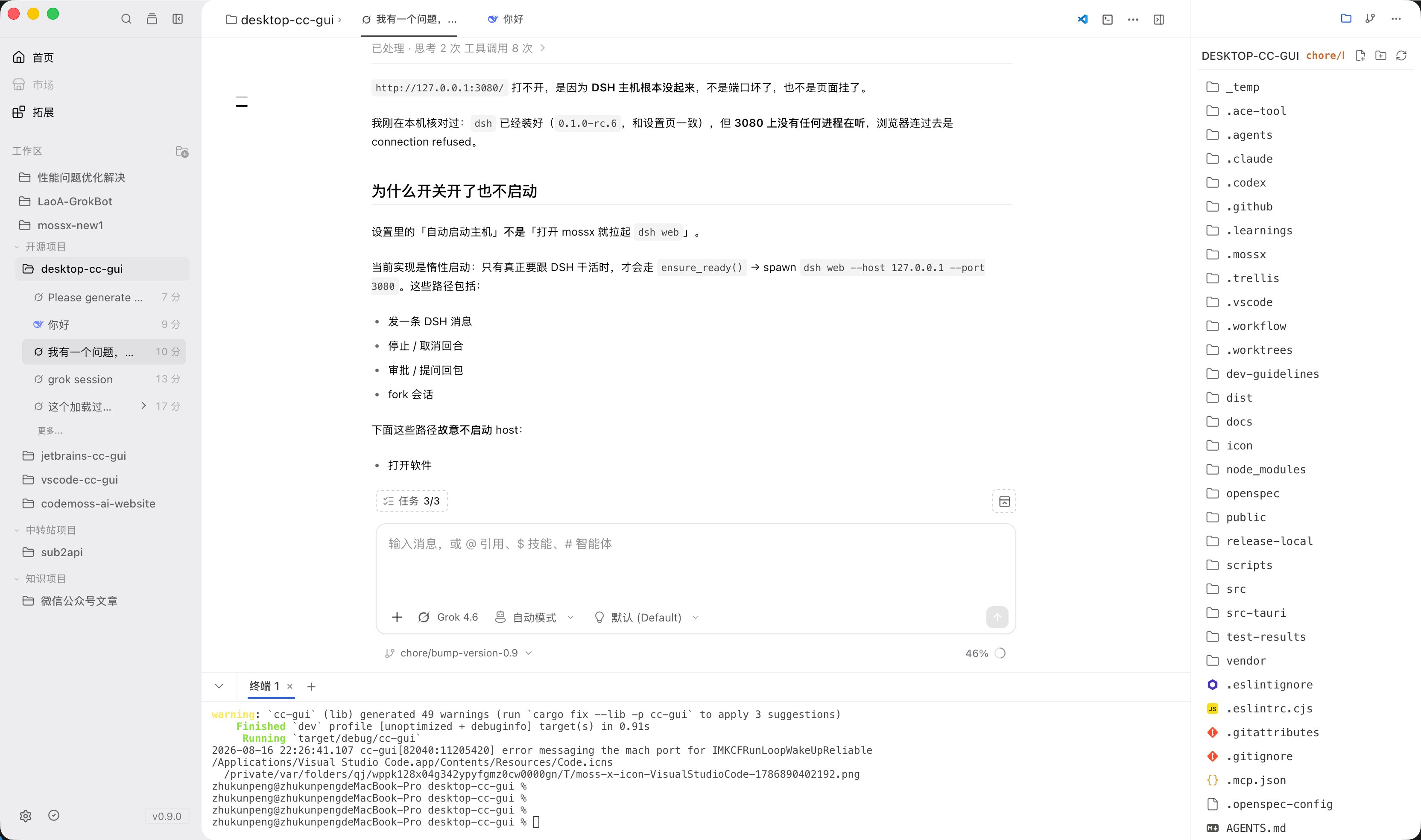
What it can do
- Switch among Claude Code, Codex, OpenCode, Grok, Kimi, Pi, DeepSeek Harness, and other runtimes in one app.
- Use
@to cite files,@@for project memory,@#for notes,/for slash commands,$for skills, and!for prompts. Agents are usually chosen from the input toolbar. - Built-in file tree, terminal, Git panel, global search, and Plan panel.
- Manage configured MCP servers, Skills, Agents, the prompt library, and permission prompts.
- Desktop-only features such as the project knowledge map, project memory, and context ledger.
- In-app auto-update.
Supported runtimes
The MCP / Plugin marketplace entry is still Coming Soon. The README note that Gemini is enabled by default is outdated. Follow the desktop Settings page.
How it relates to other clients
CC GUI also has a VS Code extension, a JetBrains plugin, and a mobile client. Chat and provider concepts are similar. The file tree, built-in terminal, project knowledge map, project memory, and multi-workspace management belong to the desktop app only. On configuration: the provider structure in~/.ccgui/config.json can be shared with the JetBrains client. Sessions and UI state are not guaranteed to stay in sync across clients.
This series covers the desktop app only. Sidebar groups: Get started, Guides, Providers / CLI, Advanced, Community. Each engine has its own page. Detection and install share one page.
Start here
Download and install
Install the macOS / Windows / Linux package from GitHub Releases.
Prepare your environment
Set up runtimes, API keys, and each engine CLI.
Providers / CLI
Separate pages for Claude, Codex, Kimi, Grok, OpenCode, Pi, and DSH.
Send the first message
Add a project, choose a provider, and finish the first chat.
Learn the interface
Home, chat, file tree, Git, terminal, and Settings.