

How to connect
Open Settings → CLI configuration → Claude Code CLI:- Add provider: name, API key, base URL, model mapping. Hosted config lives in
~/.ccgui/config.jsonand does not change~/.claude/settings.json - Use local settings.json: with no third-party provider, the default is
~/.claude/settings.json - CLI login: for a subscription account, log in to Claude CLI in a terminal first, then let the app reuse that login
- Third-party / proxy presets: Zhipu, Kimi, DeepSeek, MiniMax, OpenRouter, Bailian, LongCat, OpenCode Go, and others
claude is not installed, click Install on that page. You can override the Claude CLI path.
Install
macOS / Linux: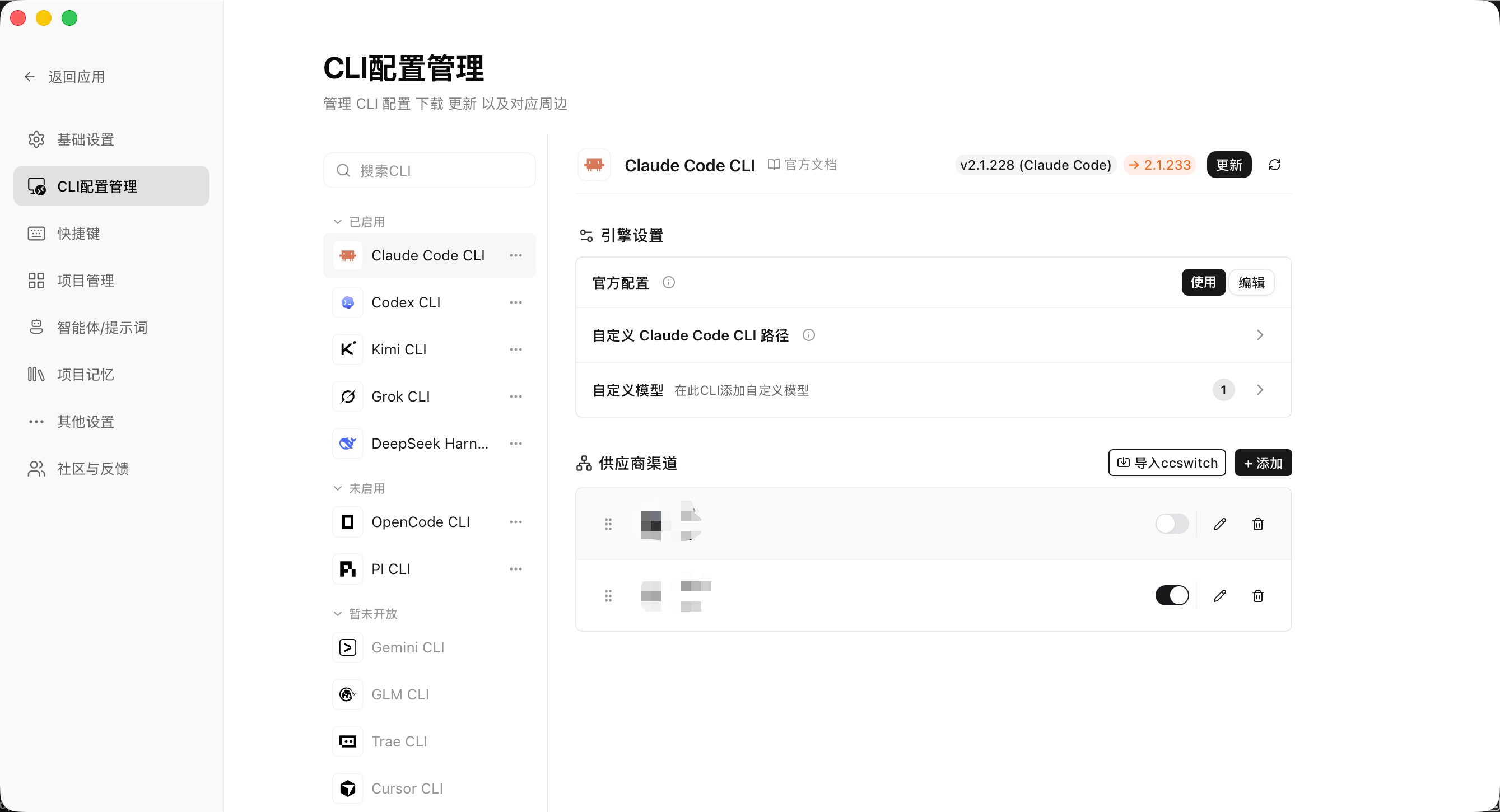
Config stays on this computer. The app does not upload keys to a CC GUI server.
Models and usage
The model picker lists models for the current profile. You can pin common models and add prices so usage stats can estimate cost.Working directory and grants
- The default working directory is the current workspace root
- Reads and writes outside that root may trigger a Directory Grant
- You can override the Claude CLI path in Settings (advanced)